Study Timer App: How Students Beat Phone Distractions
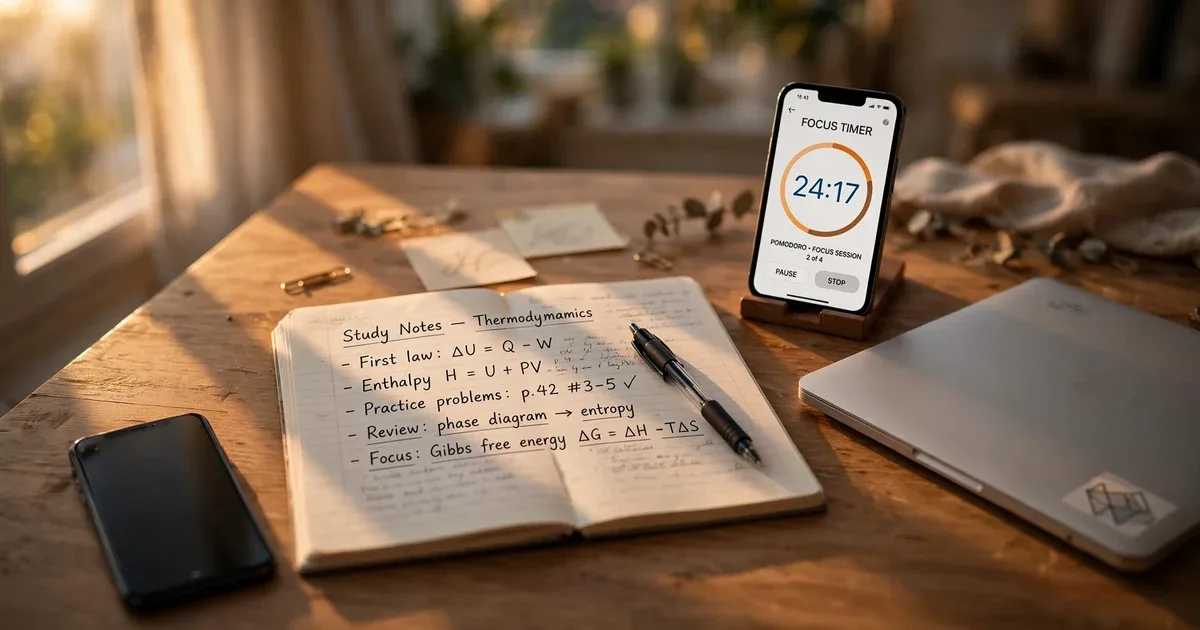
You are at your desk. It is about seven. Textbook is open, tea is getting cold, and twenty minutes later you have looked at your phone three times and got through maybe half a page. Maybe less than half. Nobody needs another willpower lecture, those never helped anyone study. What helps is simpler. A study timer app that makes your phone boring for 25 minutes. That is it.
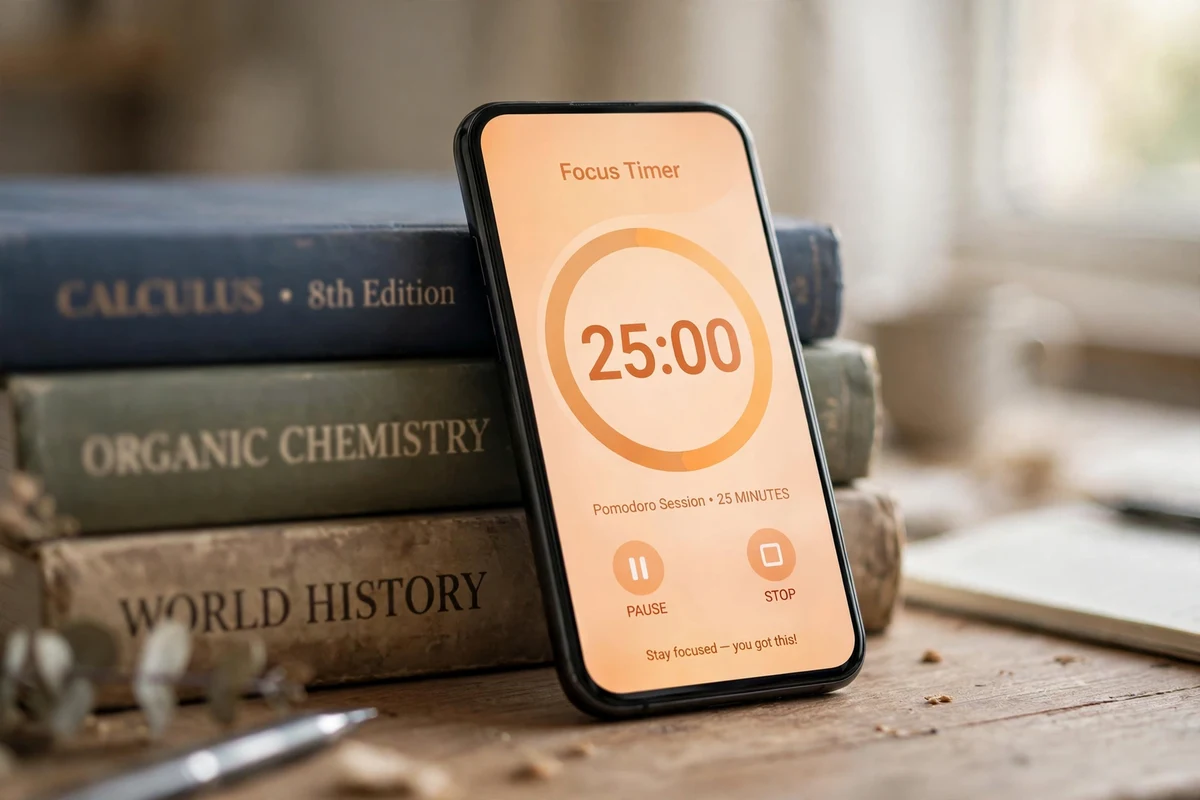
Start one 25 minute timer. Phone face down, somewhere you cannot grab it, while a little virtual pet cheers you on. Which sounds ridiculous. It works anyway. Finish the block and your pet gives you a little celebration. That small loop, repeated daily, beats any fancy timer with no stakes. We built Fluffy Friends around exactly this loop, and this guide explains how to get the most out of it.
Why your phone breaks every study session
The phone distracts you because that is what it is built to do. Nothing to do with laziness, although it is easy to tell yourself otherwise. That story needs to retire. It distracts you because it is engineered to win every tug of war for your attention. And you fight that battle in the seconds you are trying to open the textbook. Unfair fight, honestly. Those first 10 minutes of a study session? Easily the hardest part. Everything after is downhill. Your brain would rather have the easy little buzz of a notification than the hard work of page 47. Thermodynamics at night is no party.
Willpower is a terrible tool for this job. Willpower disappears around the time your eyes burn and the group chat lights up. A system works even when you are half asleep. Tired, bored, annoyed, it works anyway. That is the whole point. Especially on the bad nights. So the app gives you three things. A start time. A finish line. And one rule: phone stays face down until the timer rings. Phone face down until the timer rings.
What a study timer for students should actually do
Sure, a kitchen timer can count to 25. But it does nothing else. A good study timer just removes decisions. You do not pick anything. You press start. If you are spending five minutes fiddling with settings or counting blocks in the margin of a notebook, that is just procrastination wearing a costume. The app can handle all of that. Then your brain only has to do the studying part.
Here is our short list of what matters:
- A one tap start for a classic 25 minute Pomodoro block with smart breaks built in
- A study timer mode aimed at homework and exam prep, so the session feels made for school
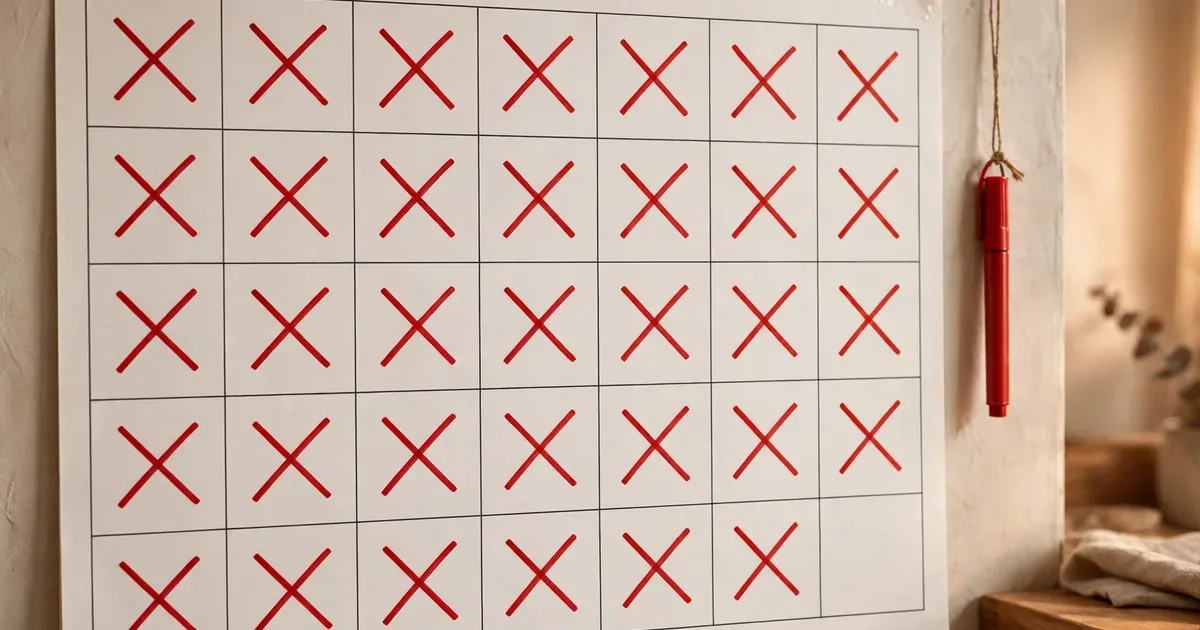
- A streak counter that makes today the day you do not want to break the chain
- Something warm waiting at the end of the session, because cold timers never say thank you
That last item is why we put a virtual pet in ours. In Fluffy Friends, finishing a session gets a little celebration from your pet. Step away early and it misses you. That is not guilt. It is a tiny creature rooting for you. Ridiculous. Still works.
How to actually get through one 25 minute block
Picture it. Accounting exam on Friday. Chapter 9 has been sitting there all week and you have not opened it. Here is the exact block we recommend. Now do this tonight.
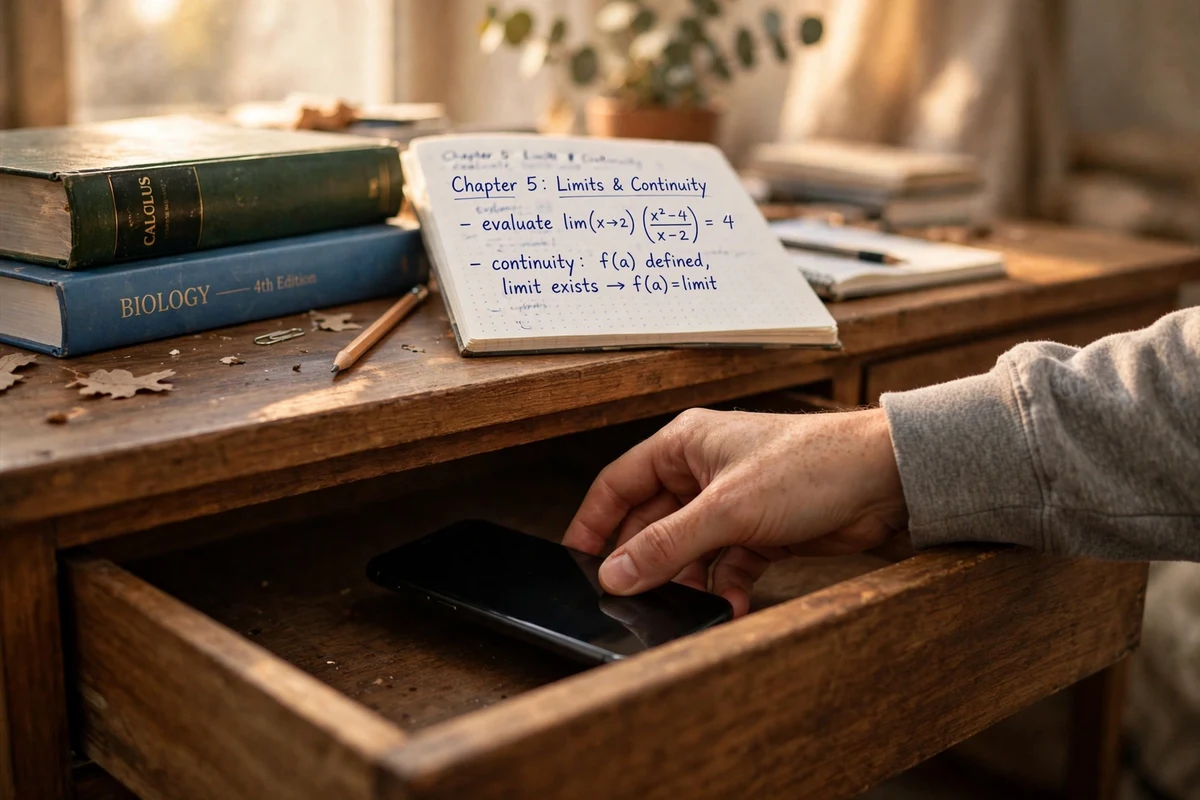
Step one. One concrete task. Just one. Not "study biology." "study biology" is not a task, it is more like a prison sentence. Pick something small instead. "Read pages 47 to 63 and write three summary sentences" is a real task. You will know exactly when it is done, which is kind of the whole point. Done means done. Small targets are just easier to start. Then set the block, twenty five minutes, phone face down on the other side of the room, only the study stuff open. Mine goes in a kitchen drawer when I study. Out of sight works best for me.
Work until the timer rings. Then take a real break. Stand up. Stretch. Get water. The boring part usually works. Do not check your messages on the break. Not "just for a second," because that second does not exist. Nobody in history has checked messages for just a second. After two or three blocks you take a longer one. Fifteen, twenty minutes. The break everyone skips. Feet up, nothing else. Three real blocks will always beat five distracted hours.
What changes when the timer comes with a pet attached
A plain Pomodoro timer is just a clock, and for some people that is genuinely enough. The hard part, students kept telling us, was starting session three on a bad day. That is where a focus app with a virtual pet earns its place.
A plain timer goes quiet when you finish. It says nothing. A pet, though? Coins, unlocks, a little celebration. It notices. Your pet grows and evolves as you finish sessions, so a vague study plan turns into something you can watch change. Day by day. You keep showing up for the pet. The studying just comes along with it.
It does not have to be perfect. It just has to happen. Showing up and quitting later beats never showing up. You drifted off halfway through a block, fine. The session history still writes down what you got done, no judgment there. The streak is still there tomorrow. No lecture about it. The minute a system starts punishing bad days, that is the minute you delete it.
Turning one good session into something that repeats itself
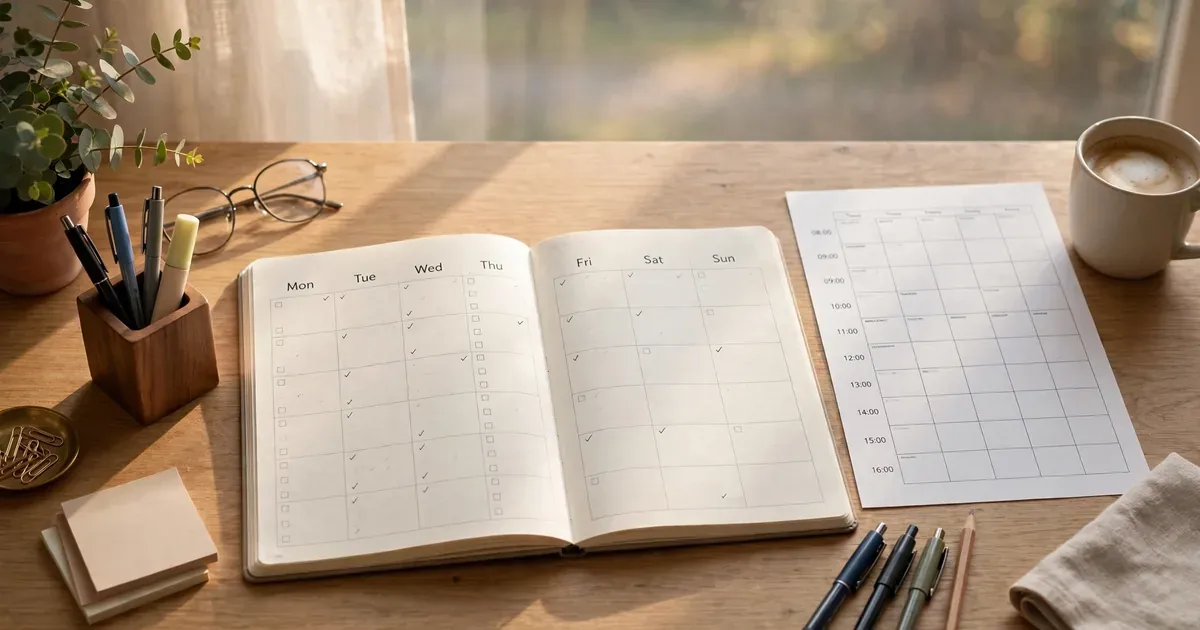
One block is a good day. Two a day for a week is a habit in motion. Make the first week easy on purpose. We wrote a full seven day plan in our procrastination guide, and the same idea applies here: one session a day. The whole seven day version is in our guide here: Beat Procrastination: Your First Week of Focus with a Fluffy Friend.
Hook the session onto something you already do daily. Breakfast works. The evening scroll works. Whatever it is. Give it two weeks and the routine starts running on its own.
For the method underneath all of this, our pomodoro technique guide for beginners walks through the official steps, the rules, and how to handle interruptions without losing the session.
Questions students actually ask
Which study timer app is the best one for students?
Whichever one you will actually open tomorrow. That is the real answer. You want it free to download, you want a real 25 minute Pomodoro mode, and you want some kind of reward at the end of the block. That is exactly why we built Fluffy Friends, for that specific job.
Does the Pomodoro Technique actually help with studying?
It helps because it chops a scary study load into blocks that end. If starting is your problem, 25 minutes beats "study all evening." Which sounds like nothing, honestly. But it works with a timer that takes care of the breaks and keeps track of your sessions. Then you watch the work pile up, one block at a time.
How do I stop checking my phone when studying?
Face down. In a drawer. Another room, even. Pick one for the length of the block. Give yourself something to look forward to after the block. A snack. A walk. Ten guilt free minutes of doing nothing. A reward at the finish line beats pure willpower at the start. Every time.
How long should a study session actually be?
25 minutes is the classic length, and it is a safe place to start. If that feels too long, do 15 instead. A short block you finish beats a long one you abandon. Every time. No shame in that. The break is the part that matters most. Real time away from the material, then one more block.
Are study timer apps free?
Many are. Fluffy Friends is free to download, no credit card. If you want extra pets and accessories, the Play Store listing shows in-app purchases from 1.99 to 99.99 dollars per item. The main stuff costs nothing. The timer, the pet, the streaks, the rewards. All free.
What if your phone worked for your grades for once instead of against them? Tonight, not next week. Download Fluffy Friends free on Google Play, adopt your pet, and run your first 25 minute block tonight. Your future self says thanks.