How to Reduce Screen Time Without Going Off the Grid
Everybody we know has the same problem with their phone, and it is not the dramatic kind. The phone does not eat your day in one go. It eats it in forty little bites. You pick it up just to check the time. Eleven minutes later you put it down again, you have been in three apps, you have learned nothing you can name, and the worst part is you still could not say what time it is. Dozens of times a day, that loop.
The scale of it is worth looking at once, just so we are not guessing. Reviews.org surveyed 1,000 Americans for their 2026 screen time figures and the average came out at 12 hours and 1 minute a day across all screens, and smartphones on their own took 4 hours and 5 minutes of that. Twelve hours is more than most people are awake and not working. Your own number is probably not that, fine, but even half of it is a lot of life to be handing over without ever deciding to. This post is about getting some of it back as a normal adult. Job, friends, group chats, a life that honestly does run through the phone. Nobody is deleting their apps. Nobody is moving to a cabin. There is no grid and we are not going off it.
Why willpower keeps failing at this
Nearly every failed attempt we have ever heard about starts the same way, with resolve. Today I will simply not scroll. It holds until about ten in the morning. Then you are tired, or bored, or standing in a queue, and the phone is there in your pocket being the single most interesting object within reach.
It is not a character thing, it is just a bad match-up. On your side there is a limited daily supply of willpower and a brain that likes new things. On the other side there is the combined design work of thousands of clever people who are literally paid to keep you scrolling a bit longer. Most days, most humans lose that fight, and they will keep losing it for as long as the strategy is trying harder. So the strategies in this post all work the other way. You change the situation the phone sits in. You make it a bit further away, a bit duller to look at, a bit less able to interrupt you, and the time falls off on its own, without you making one heroic decision after another.
Audit first, detox second
Before changing anything at all, it is worth a look at where your hours are actually going, because people guess wrong about this constantly. Your phone keeps a weekly usage report in the settings, you have probably seen it flash up on a Sunday and swiped it away. Open it properly this time. What you will find is that the hours split into two piles that behave completely differently. One pile is the stuff you actually meant to do, maps and messages and recipes and banking and a call with your mother. The other pile is the passive one, feeds and short videos and those news spirals, and the funny thing about that pile is you remember neither opening it nor enjoying it.
Most detox plans treat the two piles as one problem, and that is exactly where they go wrong, because they were never the same problem to begin with. Cut the intentional pile and your life just gets more annoying. The passive pile, that is where your missing hours are sitting. Which means the goal of all this is smaller than the posters make it sound, and smaller in a specific way, once you look at it properly. You are not quitting your phone. You are evicting the passive hours and keeping everything else where it is. A smaller fight, and a winnable one.
Prune the notifications, it is the fastest cut there is
If you do one thing off this whole page, do this one, because nothing else pays back as quickly. Go into the notification settings and switch off everything that is not a human being trying to reach you. Messages from people, on. Calls, on. Calendar reminders, fine, keep them. Everything else, off. The shopping app does not need to announce a sale to you. A news app does not need to get hold of you fourteen times a day, it just wants to. The game does not need summoning rights over your afternoon. None of them ever needed it. At some point you tapped allow without thinking, that is the whole history.
The reason it works as well as it does is that most scrolling sessions do not begin with you deciding to scroll. They begin with a buzz. Phone goes off in your pocket, you unlock it to deal with whatever that was, and while you are in there the feed takes its eleven minutes, as usual. Remove the buzzes and you remove most of the doorways into that loop. People who do just this step tend to notice their pickups dropping within a couple of days, and it is not because they suddenly got disciplined. It is because the phone stopped starting conversations with them all day long.
Make the phone boring: grayscale, and a calmer home screen
Colour is one of the hooks, which is easy to forget. The red badges, the glossy little icons, videos that start moving before you have even tapped anything. All of that is doing a job. So take the colour away for a week and watch what happens to the feeds. They go strangely flat. Photos end up looking like newspaper print. And the phone itself starts to feel like paperwork, which is handy, because nobody in history has struggled to put paperwork down and walk away from it.
There is a study on this one, and we are going to give it to you straight rather than the dressed up version that floats around, because the dressed up version overclaims it a fair bit. Holte and Ferraro, 2020, students kept their phones in grayscale for a bit over a week and their screen time dropped by about 38 minutes a day on average. The drop came out of social media and browsing. Video did not move at all, which, when you think about it, makes sense, because a chunk of video is entertainment somebody actually chose, not reflex scrolling. So grayscale is not a cure. It is friction. It turns the flavour of the scroll down a notch, and a notch is frequently enough.
While you are in there fiddling with settings, sort the home screen out as well. The feed apps come off the first screen. Into a folder, onto the last page, anywhere that costs two extra taps to reach. The dull useful things take their place up front. Nothing is banned, nothing is deleted. All that has changed is that the reflex route got longer and the deliberate route got shorter, and reflexes, being lazy, tend to give up when the route gets long.
The phone-free bedroom, which is how the night scrolling actually ends
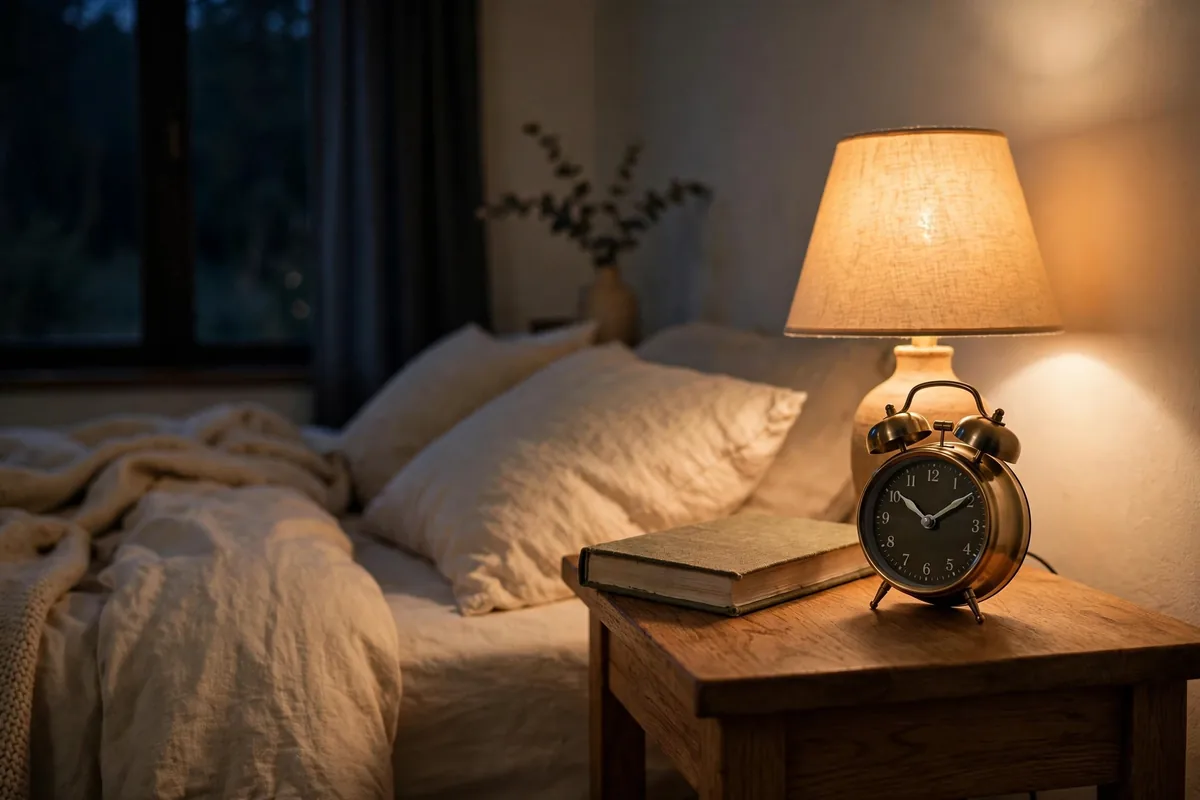
The expensive scroll is the last one of the day. It takes sleep off you directly, and then, because tired people scroll more the next day too, it compounds in a way the daytime scrolling never quite does. There is a name for the pattern, revenge bedtime procrastination, which is staying up late on your phone because the rest of your day never gave you any time that felt like your own. The answer to it is boring and almost entirely physical. The phone charges outside the bedroom, in the kitchen or the hall. A cheap alarm clock, the dumb kind that tells the time and does nothing else whatsoever, takes its place by the bed. A paper book for ten minutes. Most nights you will be asleep before the chapter ends.
There is a study that pairs with this and we think about it a lot, maybe more than is healthy. Ward and colleagues, 2017, tested what a nearby phone does to your thinking even when the phone is doing nothing. People who worked with their phone on the desk scored lowest on cognitive capacity. People whose phones were in another room entirely scored highest. Face down did not rescue it. Switched off did not rescue it. Their line was that the mere presence of the phone was enough to reduce cognitive capacity, your brain spending a little of itself on ignoring the thing. So a phone outside the bedroom is not some wellness ritual. It is taking a small constant tax off the exact hours when you are trying to sleep, or to think. If any of that sounds familiar it is because the same idea runs through our guide on how to stay focused working from home, only there it is about the desk and here it is about the night, and the principle does not care which.
Give the freed hour a destination, not a gap
Here is the bit that the other guides tend to leave out completely, and in our experience it is the reason most screen time detoxes quietly fall apart somewhere around day nine. Imagine the pruning works, then, and an hour a day comes back to you. Well done. What you own now is an empty hour, and an empty hour sitting next to a phone has never once stayed empty, it is basically just a scroll that has not happened yet. Within the week it has refilled with scrolling, every time, for basically everybody.
So the replacement has to be decided before the slot opens, because during it is too late, every single time. Every freed block gets a destination in advance. Ours, unsurprisingly, is a timed focus session. Phone in another room, 25 minutes, one task you have been putting off, timer running where you can see it. That is the whole thinking behind the study timer app approach to phone distractions we wrote about for students, applied to everyone else. A session gives the hour edges. A paper book on the table does the same job. A walk with a podcast you actually picked does it too. What reliably does not work is choosing in the moment, because in the moment the feed wins the argument roughly always. Decide at breakfast where the evening hour is going. Low energy days are allowed, just shrink the session and shrink the task, the same adjustment we recommend in pomodoro for ADHD routines. And if being restricted and scolded has never worked for you before, that is a real pattern, not a failing, and it is why our whole approach pays you instead of punishing you, the idea behind a focus app with a virtual pet. The scroll pays out novelty. You beat it with a payout you like more, not with guilt, guilt has a terrible track record.
Your first week, planned like an adult
Day one and two are audit and prune. Read the usage report properly, no flinching, then switch off every notification that is not a person. Day three, grayscale goes on and the feeds come off the home screen. Day four, the phone starts sleeping outside the bedroom. Day five, the first swapped block, one 25 minute session planted in whichever slot you scroll worst in, which for most people is right after dinner. Weekend, look at the numbers again. Not to beat yourself up with. Just to see which doorway is still open, because there will be one, and now you know what a doorway looks like.
And set the target at a grown-up size. Not four hours down to zero by Friday. Take one hour off the daily total in the first week and hold it there. One hour a day is roughly fifteen full days a year, which is a ridiculous amount of life to get back for turning off some notifications, and it sticks precisely because none of it needed you to become a different person. Week two, another small cut if you fancy it. Or hold where you are. Holding is also winning, people forget that.
Questions people actually ask about cutting screen time
How can I cut screen time without deleting apps?
Instead of removing them, you change the conditions they live in. Their notifications get pruned down so they cannot summon you whenever they feel like it. They come off the home screen too, so that opening one becomes a decision you actually made rather than a reflex that happened to you. The display goes grayscale, which makes the feeds lose a lot of their flavour. And the phone stops sleeping in your bedroom. The apps are all still there, untouched. The accidents are what stop. For most people that ends up taking a bigger bite than deleting ever did, mostly because deleting never survived the first reinstall anyway, and everyone here knows it.
What is the fastest way to reduce screen time?
The notification prune, and honestly it is not close. Most sessions start with a buzz rather than a decision, as we said, so taking away every alert that is not a real person takes away most of the doorways in a single ten minute trip through the settings. People usually feel this one inside two days. Everything else in this post is built on top of it.
Does grayscale mode actually help?
It helps a bit. A bit sounds underwhelming until you notice that most of this entire post is made of bits, stacked. In the 2020 study mentioned earlier the grayscale group ended up cutting about 38 minutes a day, and where the cut came from was social media and browsing, while video stayed exactly where it had been. Which is a neat outcome, when you think about it, because it works on precisely the scrolling you wanted to lose and leaves the entertainment you actually chose completely alone. Turning the flavour down is not the same as locking the fridge, obviously, but then you would be surprised how much eating happens purely because something tastes nice, and scrolling is not so different.
How do I stop doomscrolling?
Doomscrolling, when you pull it apart, is two problems wearing one coat. There is a doorway problem and an empty slot problem. Doorways first. News alerts off, obviously. News apps off the home screen. And the news gets two fixed times a day when you read it deliberately, sitting at a table, the way you would eat a meal rather than graze all day standing at the fridge. Then the slot, which is usually the last hour of the day. Something with edges goes in it, a session or a walk or a book, anything at all that has an ending built into it, because a scroll does not end, that is its whole design, so the hour needs an ending that is not the scroll running out on you, it never runs out.
How do I stop reaching for my phone at night?
You move the charger. Really, that is the entire trick, and everything else anyone tells you about nights is decoration around that one move. Phone sleeps in the kitchen, alarm clock sleeps by the bed, and the last hour of the day goes to something dim with a natural end. The first three nights feel genuinely odd, you will reach for a phone that is not there at least once, everybody does. By the end of the week people are usually falling asleep faster than they were, and the morning reflex is gone as well, for the simple reason that there is nothing within reach to grab.
If you would like the freed hour to feel like a win instead of a gap, download Fluffy Friend free on Google Play and plant one 25 minute focus session right where your worst scroll used to live. The phone stays in another room, the pet sits on the desk with you, and the streak ticks up quietly in the background while you get on with it. Every in-app purchase supports real animal shelters. Tonight's hour is the only one you have to win. Win that one a few times and the week starts taking care of itself.